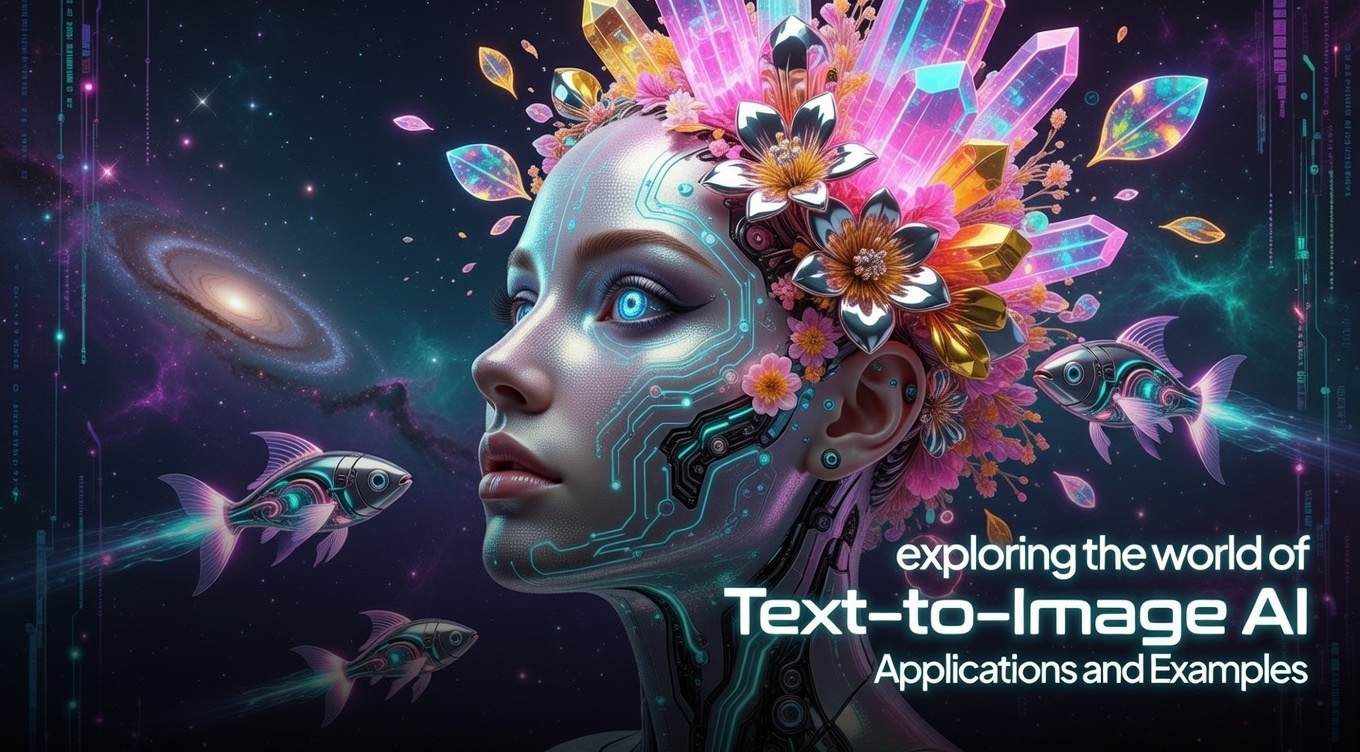
A free AI image generator is a tool that creates images from text prompts using artificial intelligence. In 2026, these tools are widely used by bloggers, students, designers, and digital marketers to create social media posts, ads, thumbnails, and blog images without hiring a designer.
If you want to create images for Instagram, blog posts, YouTube thumbnails, or ads, this guide will show you the best free AI image generators and how to use them.
What Is a Free AI Image Generator?
A free AI image generator is an online tool where you type a prompt like:
“A contemporary office for digital marketing featuring a laptop and neon lights”
and the AI creates an image automatically.
These tools use machine learning models to convert text into images within seconds.
Benefits:
- Saves time
- No design skills required
- Free to start
- Useful for content creators & marketers
- Create unlimited ideas
Best Free AI Image Generator Tools (2026)
1. Canva AI Image Generator
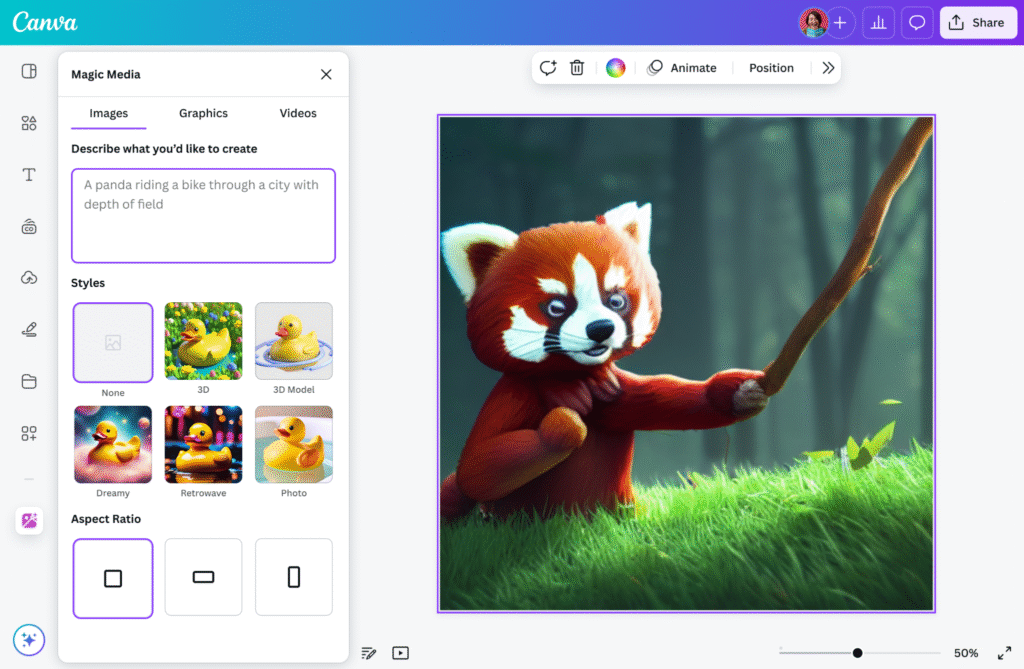
Best for: Beginners & social media creators
Features:
- Easy drag-and-drop editor
- Free templates
- Social media post ready
- Commercial use allowed
Why use it:
Perfect for blog thumbnails, Instagram posts, and ads.
2. Leonardo AI
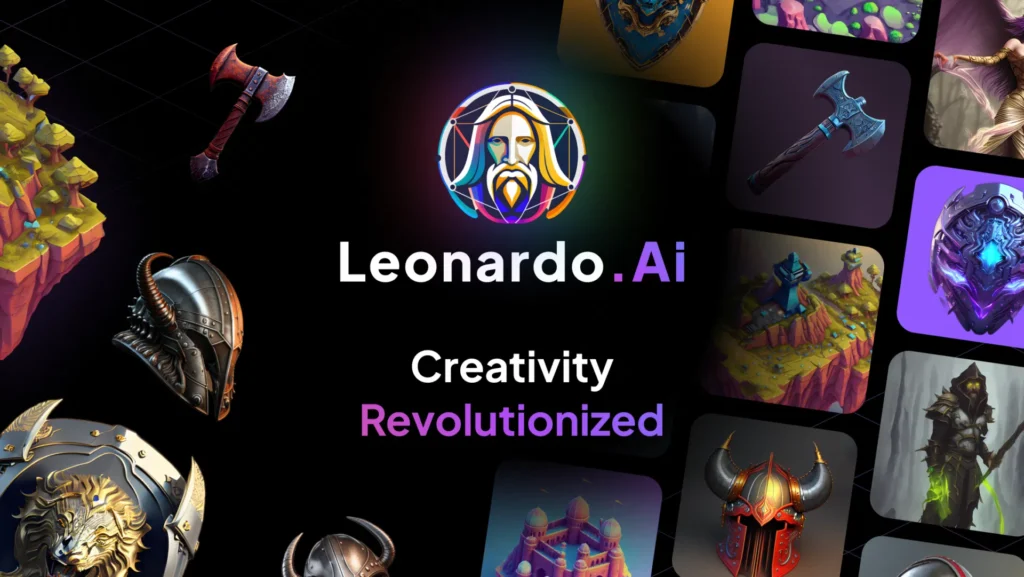
Best for: High-quality realistic images
Features:
- Game-style images
- Realistic portraits
- Free daily credits
- Fast generation
Why use it:
Great for blog images and marketing creatives.
3. Bing Image Creator
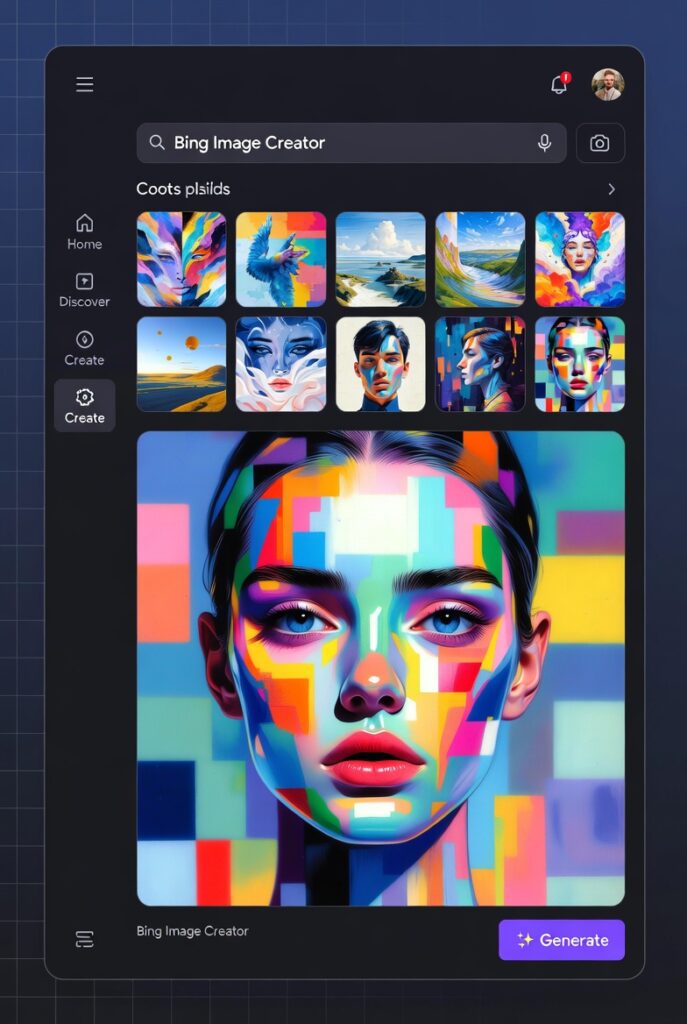
Best for: Completely free usage
Features:
- Powered by DALL-E
- Unlimited prompts (with boosts)
- Realistic + artistic images
- Works on mobile
Why use it:
Best free option for students and bloggers.
4. Playground AI
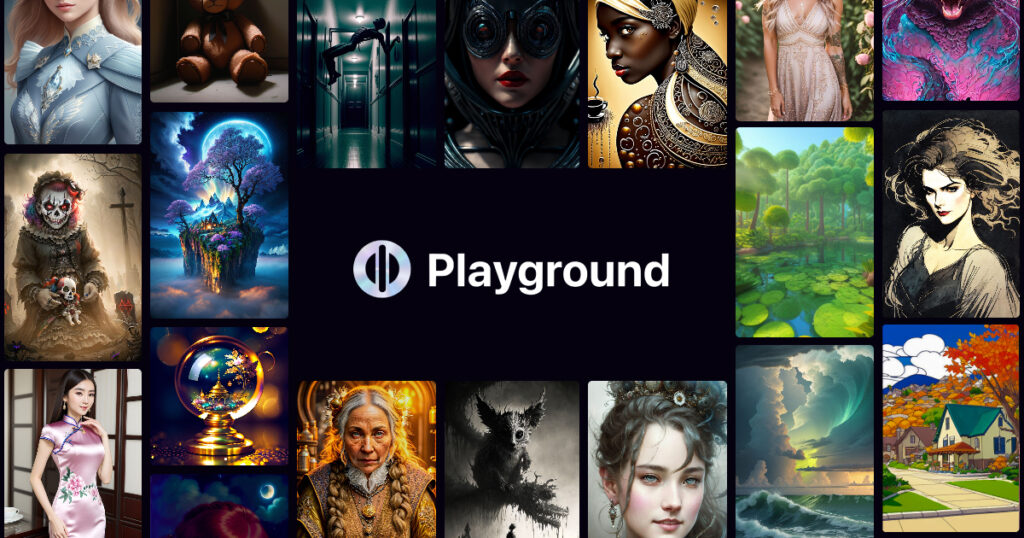
Best for: Advanced editing
Features:
- Remove background
- Add text
- Create ads
- Free plan available
5. Adobe Firefly
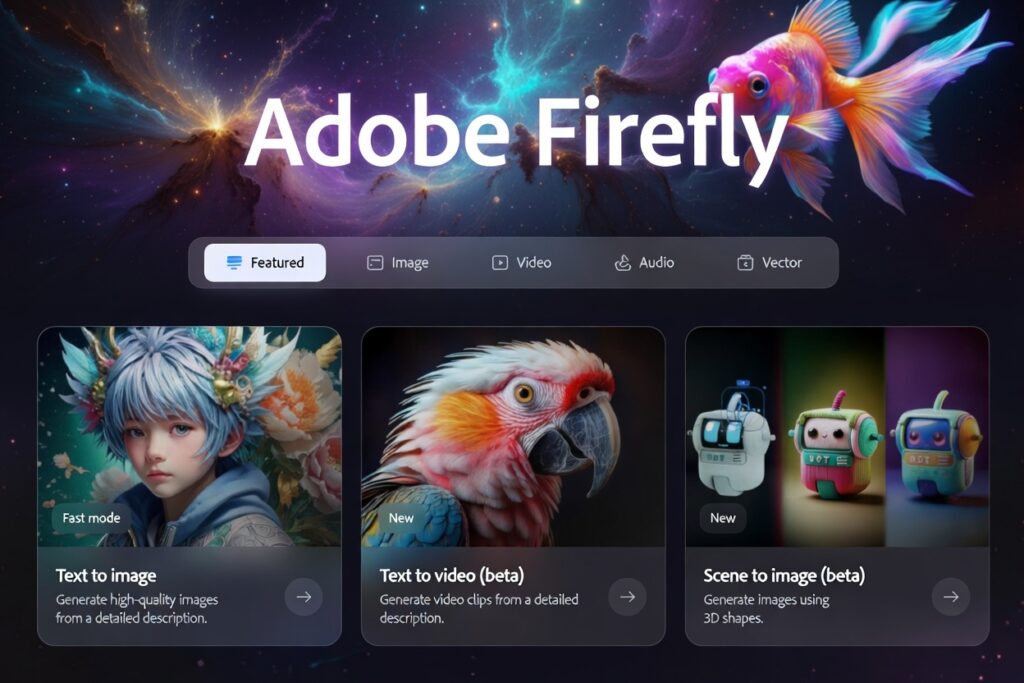
Best for: Professional creators
Features:
- Commercial-safe images
- High quality
- Works with Photoshop
- Free credits available
How to Use a Free AI Image Generator (Step-by-Step)
- Open any AI image tool
- Type a clear prompt
- Select style (realistic, cartoon, 3D)
- Click generate
- Download image
- Use in blog or social media
Example Prompt:
“Digital marketing workspace with laptop, coffee, neon lighting, modern style”
Best Uses for Bloggers & Marketers
You can use AI images for:
- Blog featured images
- Instagram posts
- Facebook ads
- YouTube thumbnails
- Website banners
- Product mockups
This saves money and increases content speed.
SEO Tips for Using AI Images on Blog
To rank your blog on Google:
- Add keyword in file name
- Write alt text
- Compress image
- Use original prompts
- Avoid copyright images
Example alt text:
free ai image generator for blog thumbnails
Are Free AI Images Copyright Free?
Most tools allow commercial use, but always check:
- Canva: Yes (with limits)
- Adobe Firefly: Commercial safe
- Bing: Usually allowed
- Leonardo: Check license
Always read tool policy before using for ads or business.
Future of AI Image Generators
In 2026, AI image tools are becoming essential for digital marketing.
They help creators produce high-quality visuals without design skills.
Future trends:
- Faster image creation
- More realistic visuals
- Video + image AI combo
- AI design automation
Conclusion
A free AI image generator is one of the best tools for bloggers, students, and digital marketers in 2026. It helps you create professional images quickly and grow your online content without spending money.
If you are starting a blog or social media page, using these tools can save time and improve your content quality.
FAQs
1. What is a free AI image generator?
A free AI image generator is an online tool that creates images from text prompts using artificial intelligence. You simply type what you want, and the tool generates an image in seconds.
2. Are AI image generators really free?
Yes, many AI image generators offer free plans. Tools like Canva, Bing Image Creator, Playground AI, and Adobe Firefly provide free credits or limited free usage for beginners.
3. Can I use AI-generated images for commercial use?
Most tools allow commercial use, but it depends on the platform:
- Canva: Allowed with some limits
- Adobe Firefly: Commercial-safe
- Bing Image Creator: Usually allowed
- Leonardo AI: Check license policy
Always read the terms before using images for ads or business.
4. Which is the best free AI image generator in 2026?
The best tool depends on your needs:
- Beginners: Canva AI
- Realistic images: Leonardo AI
- Completely free: Bing Image Creator
- Advanced editing: Playground AI
- Professional use: Adobe Firefly
5. Do I need design skills to use AI image generators?
No. You only need to write a clear text prompt. The AI handles the design automatically, making it perfect for beginners and bloggers.
6. How can bloggers use AI-generated images?
Bloggers can use AI images for:
- Blog featured images
- Thumbnails
- Social media posts
- Website banners
- Ads and marketing creatives